
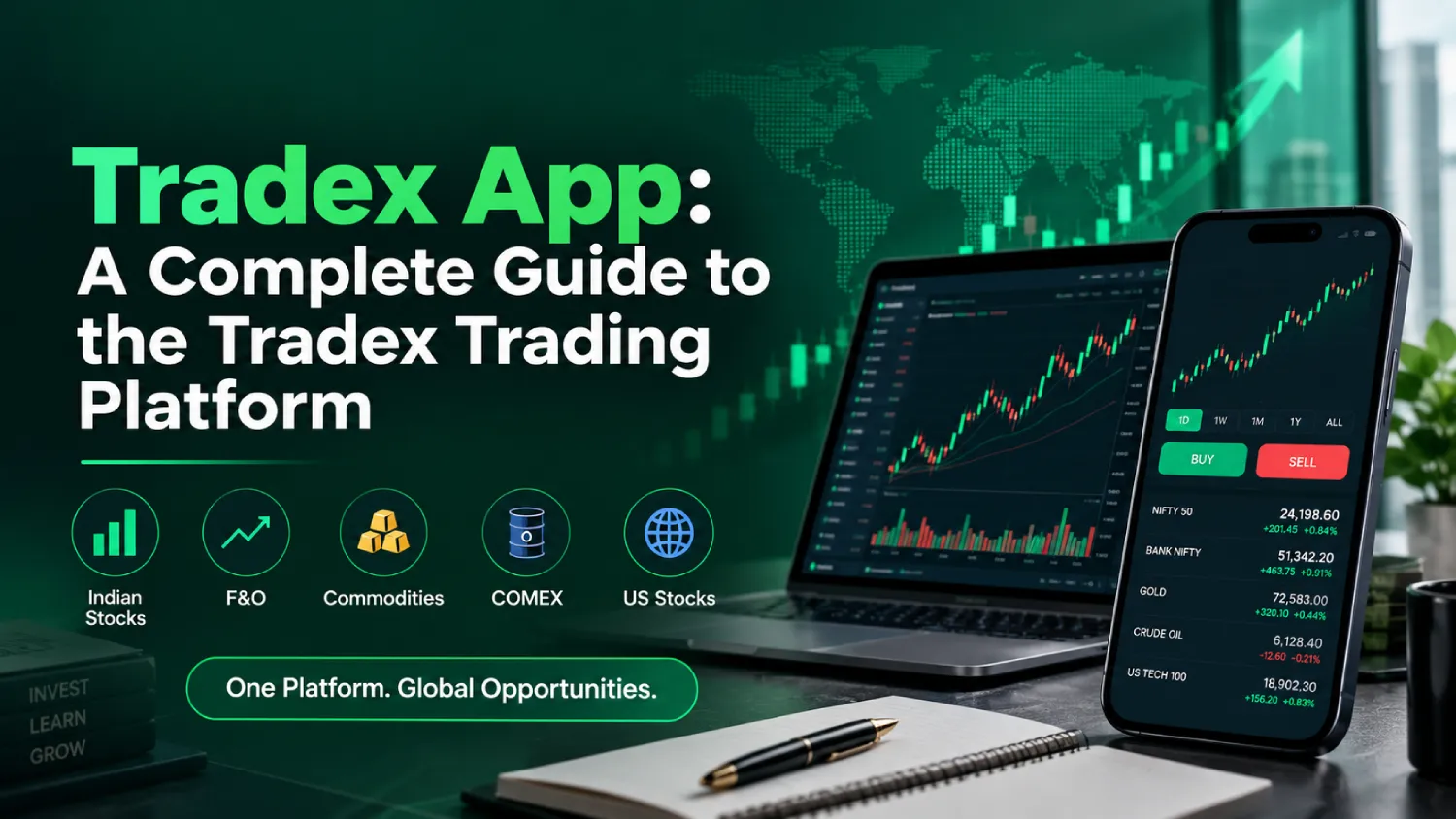
If you are searching for the Tradex app, you are probably trying to understand what the platform offers, how trading works on it, and how you can get started. Tradex is an online trading platform built around access to multiple financial markets, including Indian stocks, futures and options, commodities, COMEX and selected international markets. The website also highlights web and mobile accessibility, so traders can monitor markets through supported devices.
The Tradex trading app is often searched for as a quick way to describe the mobile trading experience, but the official Tradex website mainly presents its service as a web and mobile-accessible trading platform. That distinction matters if you are looking for a downloadable application rather than browser-based access.
So, what is Tradex app, how does it work, and what should a new user know before opening an account? Let’s go through it in simple terms.
What Is Tradex App?
The Tradex application refers to the trading experience associated with the Tradex brand. The Tradex platform gives users access to supported financial markets and trading tools from one account.
According to the official website, Tradex supports Indian stocks and F&O along with commodities, COMEX and US stocks. The platform also promotes advanced charts, market data, multi-market access and account management features.
The Tradex trading platform is designed around market monitoring and trading activity rather than being limited to one type of financial instrument. Users can explore supported markets, review price information and manage their trading activity through the available interface.
If you search for the Tradex app platform, keep in mind that the official website describes both web trading and mobile accessibility. Always check the current official source before installing anything presented elsewhere as a Tradex application.
How Does Tradex App Work?
Wondering how the Tradex app works? The basic process is fairly straightforward.
First, you create a Tradex account. The website lists registration, entering your details, OTP submission and account verification as part of the setup process. After completing verification, you can fund the account using an available payment method and then explore supported markets.
The Tradex online platform is built to bring different market opportunities into one trading environment. Depending on the account and product, users can access supported Indian stocks, F&O, commodities and international markets.
The website also highlights advanced charts and market data. These tools can help traders follow price movements and review market information before making their own trading decisions. Trading still involves market risk, so having access to tools does not remove the possibility of losses.
Markets Available Through Tradex
One of the main features highlighted by the Tradex trading platform is multi-market access.
The official website currently lists:
- Indian stocks
- NSE
- BSE
- Futures and options
- MCX and commodities
- COMEX
- US stocks
The exact instruments available to an individual account can depend on the product, account type and applicable platform conditions. Tradex itself advises users to check the supported market and account conditions before trading.
This multi-market setup can be useful for traders who want to monitor different types of instruments from one account instead of switching between separate platforms.
Key Features Of The Tradex Platform
The Tradex app platform and its supported web experience are presented around a few core features.
Multi-Market Access
Tradex provides access to several supported Indian and international markets. This includes stocks, F&O, commodities, COMEX and US stocks.
Charts And Market Data
The Tradex mobile app and web experience are designed to provide market visibility, with the website highlighting advanced charts and market data.
Mobile And Web Access
The website specifically states that Tradex offers web and mobile accessibility. This means users can access supported trading facilities across supported devices.
Zero Brokerage On Eligible Trades
Tradex advertises zero brokerage on eligible trades. However, this should not be read as meaning every possible trading cost disappears. The website says other applicable transaction or exchange charges may still apply.
Margin Facilities
The website promotes margin facilities of up to 500x for eligible products. The actual margin can vary depending on the product, account type, market and applicable trading conditions.
Because high margin can increase both potential exposure and potential losses, traders should understand the applicable terms before using it.
How To Use Tradex App
If you are searching for how to use Tradex app, start with the account setup rather than jumping straight into a trade.
The official Tradex website outlines six basic steps:
- Create a Tradex account.
- Enter the required account and contact details.
- Submit the OTP for contact verification.
- Complete the required account verification.
- Fund the account using an available payment method.
- Explore supported markets and start trading.
Once your account is active, take some time to understand the interface. Check the market section, available charts, trading information, applicable charges and the rules for the specific instrument you are considering.
A new trader does not need to rush. Understanding an order, the instrument being traded and the possible downside is more useful than simply learning where the buy or sell button is.
Tradex App Login And Account Access
Users looking for Tradex app login, Tradex login or Tradex account login should use the current access route provided by the official Tradex website.
The same applies to searches such as Tradex app sign in, access Tradex app and Tradex mobile login. Avoid entering your username, password, OTP or other account details on websites that simply copy the Tradex name.
The official Tradex website currently provides an account-starting route through its website and directs users toward the relevant account environment.
If you are unsure whether a page is genuine, return to the Tradex app official website and follow the current account-access links from there.
Is Tradex A Mobile App Or Web Platform?
This is one area where searches can become confusing.
People often use the phrase Tradex mobile app when looking for mobile trading access. However, the official website describes Tradex as offering web and mobile accessibility rather than clearly presenting a specific native Android or iOS application on the homepage.
So, if you are specifically looking for a downloadable Tradex app, check the official website for the latest information before downloading an APK or application from another source.
This simple check can help you avoid unofficial downloads and pages that may ask for unnecessary account information.
What Should You Check Before Trading?
A good Tradex app guide should cover more than features. Before putting money into any trading account, check the costs and conditions that apply to your account and chosen market.
Look at the applicable brokerage and transaction charges, margin conditions, funding and withdrawal rules, supported instruments and account requirements. Tradex states that zero brokerage applies to eligible trades and that margin facilities depend on the product and other conditions.
You should also understand the risks of the market you want to trade. Stocks, F&O, commodities and international instruments can behave very differently. Margin trading can increase exposure, which can also increase losses.
The Tradex website provides educational resources, trading guides and market-related content, which can be useful for learning the basics before trading.
Final Thoughts On Tradex App
The Tradex app is best understood as part of the wider Tradex trading experience, which provides web and mobile access to supported markets and trading facilities. The platform covers Indian stocks, F&O, commodities, COMEX and US stocks, while also highlighting charts, market data, multi-market access and account management tools.
For someone researching the Tradex trading app, the first step should be checking the official website and understanding exactly how current mobile access works. The same applies to Tradex app login and account registration. Use the official access route, review the current terms and charges, and check which products are available for your account.
Most importantly, don’t treat a trading platform as a shortcut to guaranteed returns. The tools can make market access easier, but trading decisions still carry risk. Take time to understand the product, costs, margin rules and your own risk limits before placing a trade.
FAQs About Tradex App
Is TradeX legal in India?
TradeX legality in India depends on the services that TradeX offers the company that runs TradeX and the Indian rules about finance. I recommend that you check TradeXs regulatory status and the products that TradeX lets Indian residents use before you start trading.
What is the TradeX app?
The TradeX app is a mobile trading tool that comes from the Tradex platform. Tradex gives you access to markets such as Indian stocks, Futures and Options commodities, COMEX and US stocks.
Is the TradeX app to download?
To find out if the TradeX app is free look at the official Tradex website for the latest download instructions. The TradeX app and any fees that TradeX may charge can change. I advise you not to download TradeX apps from unofficial sites.
Which trade app is safe?
No single trade app is safe for every person. Before you open an account, check the operator’s status, security details, charges, terms, the products that the trade app offers and the customer support that the trade app gives.
Is TradeX SEBI-registered?
You should verify a SEBI registration claim by checking the information from SEBI and the real legal entity that runs TradeX. Relying only on third-party sites or ads is not enough to confirm the regulatory status of TradeX.
Is trading illegal in India?
Online trading is not in general illegal in India. Still the legality of a platform, product or trading activity depends on the rules that India has and on the company that provides that activity.
Can I make 1000 rupees per day from trading?
You cannot guarantee an income of 1,000 rupees from trading. A trader can. Losing money based on the market swings the strategy that the trader uses: the size of the position, the costs and the risk management. A fixed daily profit target is not guaranteed.
Which trading apps are banned in India?
The status of trading apps can. You need to check the newest notices from Indian regulators and authorities. Before you use a platform, verify the platform’s current regulatory and legal status instead of trusting social-media lists.
Why do 95% of traders lose?
The exact percentage of traders who lose money varies with the type of trading and the study that is cited. Many retail traders lose money because they use much leverage, have weak risk management, make emotional choices, trade too often and have little experience. If you use a 95%” number you should point to its original source.
Can AI help with trading?
AI can help a trader analyze data, spot patterns or automate some tasks but it does not guarantee profitable trades. Market conditions can change fast. Ai signals can also be wrong.
What is the 3-5-7 rule in trading?
The 3-5-7 rule is not a rule that everyone follows. Different traders and teachers use the term for risk-management ideas so you should check the meaning from the exact strategy that discusses the 3-5-7 rule.
How many day traders are successful?
There is no success rate that fits all day traders. Results differ by market, time frame, experience, trading method and risk level. Studies of traders often show that many active traders lose money so you should not see day trading as a sure source of income.
Is Tradex real or fake?
Tradex claims to be a trading platform but you should verify the real operating entity, the regulatory status, the terms, the charges and the account conditions before you put money into Tradex. Use the official Tradex website to check any account or platform details.
What are the fees on Tradex?
Tradex says it charges zero brokerage on trades but other transaction, exchange or platform fees may still exist. Check the recent fee schedule and the charges that apply to your product before you trade on Tradex.
What is the best app to start trading?
No single trading app is best, for everybody. If you are a beginner you can compare apps by looking at the status, the markets they offer, the fees, the order types, the research tools, how easy they are to use the customer support and the risk level.