
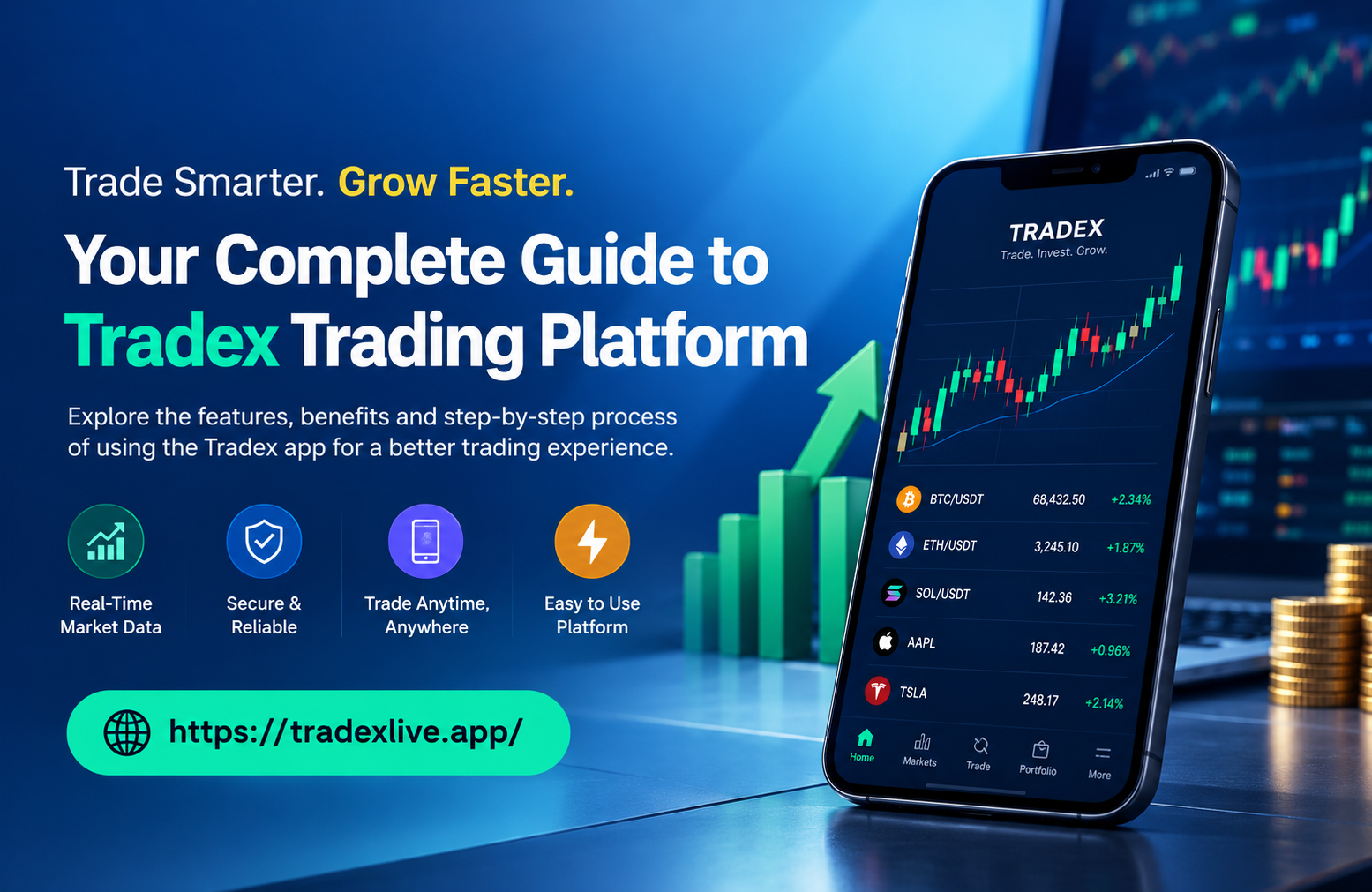
You do not always have a laptop in front of you when you need to check the market. You might be travelling, away from your desk, or simply want to see what is happening with your account from your phone. This is where a mobile trading app can make everyday trading activities more convenient.
The Tradex.live app brings key trading and account functions into a mobile-friendly environment. Users can access quotes, monitor price updates, check orders and trades, review trading history, and view financial information from supported devices. The app also provides access to market news, helping users keep relevant information closer to their trading activity.
In this guide, we will look at what the Tradex.live app offers, how it can help traders, its key features, and how to get started.
What Is the Tradex.live App?
The Tradex.live app is a mobile trading application designed to give users access to important trading and account information without depending entirely on a desktop.
Instead of switching between different tools for basic account and trading tasks, users can access features such as quotes, price information, orders, trades, history, and financial standing through the application.
For traders who prefer monitoring the market from their mobile device, this can make routine activities more accessible. The app also includes market news from multiple providers, giving users another source of information while using the platform.
The Tradex.live app is therefore more than simply a way to view prices. It is designed to bring several parts of the trading experience together in one accessible interface.
Key Features of the Tradex.live App
The usefulness of a trading application largely depends on how easily it lets users access the information and functions they need. The Tradex.live app includes several features aimed at making mobile trading more convenient.
1. Real-Time Quotes and Price Updates
Keeping an eye on changing prices is an important part of market monitoring. The Tradex.live app provides quote views and frequent price updates, allowing users to follow relevant market information through their supported device.
Having this information accessible on mobile can be useful when a trader is away from their usual workstation and wants to check current market conditions.
2. Easy Trade & Order Management
The app provides access to trades and orders, allowing users to keep track of their trading activity from their device.
Rather than needing to rely only on a desktop interface, users can review relevant order and trade information through the mobile application. This can make routine account monitoring more convenient.
3. Trade History at a Glance
Looking back at previous trading activity can help users understand what has happened in their account.
The Tradex.live app provides access to trade and order history, giving users a way to review earlier activity. Having historical information available in the same application can make it easier to keep track of completed and previous transactions.
4. Financial Standing & Account Information
Traders also need to stay aware of their account position and financial information. The app provides access to financial standing information, helping users monitor relevant account details from their supported device.
This is particularly useful for traders who want their account information available without having to access a desktop platform every time.
5. Market News
Market movements do not happen in isolation. Economic developments, company announcements and other market-related events can influence prices.
The Tradex.live app provides access to news from multiple providers, allowing users to view relevant market information while using the application.
6. Multiple Account Access
For users who manage more than one supported trading account, multiple-account access can make account monitoring more convenient. Where this functionality is available, users can switch between accounts rather than handling each one separately.
Read Also: Tradex55 Live Login: How to Access Your Tradex Account and Trading Platform
How Can the Tradex.live App Help Traders?
The main advantage of a mobile trading application is convenience. Traders are not always sitting at their desks when they need to check their accounts or monitor market information.
The Tradex.live app can help by bringing several useful functions into one place. Users can check quotes, follow price updates, review orders, monitor trades, look at their trading history, and access financial information through their supported mobile device.
It can also be useful when travelling or when a trader is temporarily away from their usual workstation. Instead of waiting until they return to a computer to review basic account information, they can use the mobile application where supported.
However, convenience should not be confused with lower trading risk. A mobile application can make information and account functions easier to access, but market prices can change quickly and trading always involves risk.
Tradex.live App for Different Trading Situations
A mobile trading application can be useful in several everyday situations.
1. When You Are Away From Your Desktop
You may not always have access to your regular trading setup. The Tradex.live app can provide a way to check market information, orders and account details from a supported mobile device.
2. When You Need to Monitor an Open Trade
If you have an active trading position, being able to access relevant trade and account information from your mobile device can make monitoring more convenient.
The app gives users access to trading information without requiring them to remain in front of a desktop screen.
3. When You Want Your Trading Information in One Place
Switching between different platforms can make simple account monitoring unnecessarily complicated. By bringing quotes, orders, trades, history and financial information into one application, Tradex.live can provide a more streamlined mobile experience.
How to Get Started With the Tradex.live App
Getting started with the Tradex.live app begins with accessing the official Tradex platform and checking the available application option for your supported device.
Once the appropriate application is available:
- Access the official Tradex platform or supported app source.
- Download and install the application on your compatible device.
- Open the app after installation.
- Log in using your account credentials.
- Explore the available quote, trade, order and account sections.
- Familiarise yourself with the interface before using trading functions.
Users should always check the current application requirements and use official sources when downloading an app or entering account credentials.
Learn About: Tradex App: A Complete Guide To The Tradex Trading Platform
Why Choose the Tradex.live App for Mobile Trading?
For traders who want convenient access to their trading information, the Tradex.live app brings several important functions into a mobile environment.
Quotes and price updates can help users monitor market information, while trade and order sections provide access to their trading activity. Trade history allows users to review previous activity, and financial information helps them keep track of relevant account details.
The addition of market news can also help users keep information closer to their trading workflow.
The biggest benefit is accessibility. Whether you are away from your desk, travelling, or simply prefer using a mobile device, having trading information available through a dedicated application can make routine monitoring easier.
Frequently Asked Questions
Q1. What is the Tradex.live app?
Ans: The Tradex.live app is a mobile trading application that provides access to quotes, price updates, trades, orders, trading history, financial information and market news through supported devices.
Q2. What can I do with the Tradex.live app?
Ans: Depending on the account and available functionality, users can monitor quotes, check prices, view trades and orders, review trading history, access financial information and view market news.
Q3. Is the Tradex.live app available on mobile devices?
Ans: Yes, the Tradex application is designed for supported mobile devices. Users should check the current official application information for compatible devices and requirements.
Q4. How can I get started with the Tradex.live app?
Ans: You can begin by accessing the official Tradex platform, downloading the supported application, installing it on your compatible device, and signing in with your account credentials.
Q5. Can I check my trading history on the Tradex.live app?
Ans: Yes. The application provides access to trade and order history, allowing users to review their previous trading activity through the platform.