
Accessing an online trading account should be a straightforward and secure process. Traders need a reliable way to reach their accounts, review available market information and manage trading-related activities. Understanding the correct login procedure can help users avoid confusion and reduce the risk of accessing fraudulent websites.
The Tradex app login process is associated with the online trading services available through Tradexlive.app. Whether someone is accessing an existing account for the first time or returning to check market activity, it is important to use the official login route and protect account credentials.
This guide explains how users can access the platform, understand common login difficulties and follow essential security practices.
What Is Tradex App Login?
The Tradex app login refers to the process of accessing an existing trading account through the platform’s supported digital interface.
Tradexlive.app provides a login option that directs users to its web-based trading portal. The platform lists access to Indian stocks, futures and options, Indian commodities, COMEX and US stocks.
After successful authentication, users can access the features available to their accounts. The exact dashboard and available functions may depend on account permissions and the platform’s current configuration.
Users should always confirm that they are visiting the official website before entering any login information.
Also Check : Tradex55 Live Login: How to Access Your Tradex Account and Trading Platform
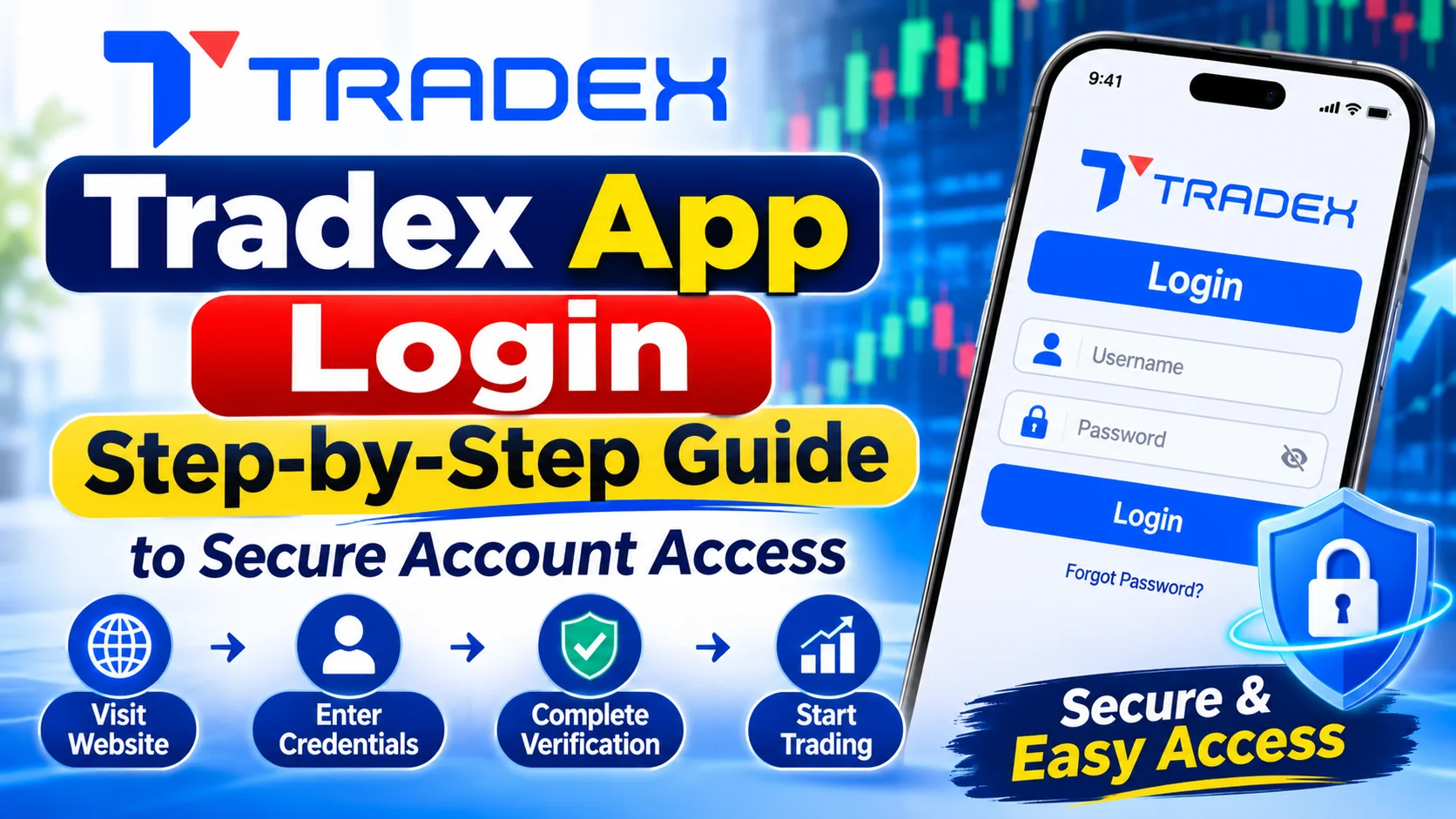
How to Complete Tradex App Login
Existing users can follow these general steps to access their accounts.
Step 1: Visit the Official Website
Open a trusted browser and enter the official website address: https://tradexlive.app/
Check the spelling of the domain carefully. Avoid using unfamiliar links received through social media messages, emails or unofficial advertisements.
Step 2: Select the Login Option
Locate the Login option on the website. Selecting it takes users to the platform’s web-based trading login portal.
Before proceeding, verify that the destination belongs to the expected official platform.
Step 3: Enter Your Account Credentials
Provide the login information requested on the official page.
Make sure the information is accurate and avoid entering account details on websites that look similar but use different domain names.
Step 4: Complete Any Required Verification
If the platform requests an additional authentication or verification step, follow the instructions displayed on the official login page.
Never share an OTP, password or authentication code with another person, including someone claiming to represent customer support.
Step 5: Access Your Trading Dashboard
After successful authentication, the platform should provide access to the account interface and available features.
Users can then explore the dashboard and review the functions permitted for their accounts.
Main Features Users Can Explore After Login
Once account access is available, users can become familiar with the platform’s trading environment.
1. Multiple Market Categories
Tradexlive.app lists several financial market categories, including:
- Indian stocks
- Futures and options
- Indian commodities
- COMEX
- US stocks
The availability of specific instruments may depend on account permissions and platform conditions.
2. Trading Interface
A trading interface helps users navigate available instruments and review relevant market information.
Users should take time to understand the layout, order-related information and available controls before submitting transactions.
3. Zero Brokerage on Eligible Trades
The website advertises zero brokerage on eligible trades. Users should review the latest pricing information to understand which transactions qualify and whether additional charges apply.
Taxes, statutory levies and other transaction-related costs may remain applicable.
4. Margin Facilities
The platform advertises margin facilities of up to 500x on eligible instruments.
Users should understand that leverage increases financial exposure. It can magnify losses as well as potential gains, making risk management especially important.
5. Account and Payment Facilities
The website lists UPI, NEFT and RTGS among its payment methods and advertises round-the-clock deposit and withdrawal facilities.
Users should check the applicable funding and withdrawal procedures before initiating a transaction.
Latest Post – TradexLive: A Complete Guide to the Trading Platform and Its Features
Common Tradex App Login Problems and Their Solutions
Sometimes users may experience difficulties while accessing an online account. Understanding common reasons can help them respond appropriately.
Incorrect Login Credentials
Entering an incorrect username or password may prevent account access.
Check the spelling and ensure that the correct credentials are being used. Be careful about accidental spaces and incorrect keyboard settings.
If the platform provides an official password recovery facility, follow its instructions.
Website Not Loading
A login page may fail to load because of internet connectivity, browser problems or temporary technical issues.
Try checking your internet connection, refreshing the page or opening the official website in an updated browser.
Avoid repeatedly submitting account information when the page behaves unexpectedly.
Browser Compatibility Issues
Older browser versions may not support all platform features.
Update your browser and clear its cached data if necessary. You can also try another trusted browser to determine whether the issue is browser-specific.
Account Verification Requirements
Some accounts may require additional verification before access is granted.
Follow the instructions displayed by the official platform. If the issue remains unresolved, contact the platform’s verified support channel.
Temporary Technical Problems
Online platforms may occasionally experience maintenance or service interruptions.
If the login page is unavailable, wait and try again later. Avoid downloading unofficial applications or using third-party login links as alternative access methods.
Security Tips for Safe Account Access
Protecting account information should be a priority whenever users access financial services online.
Use a strong password: Choose a unique password that is difficult to guess. Avoid using the same password across different websites.
Verify the website address: Always check the domain before entering your credentials.
Avoid public Wi-Fi: Unsecured networks can expose users to privacy and security risks.
Keep devices updated: Install operating system and browser updates to benefit from security improvements.
Never share OTPs: Verification codes and passwords should remain private.
Avoid suspicious applications: Only use applications whose authenticity has been confirmed through official platform information.
Log out from shared devices: Always end your session when using a computer or mobile device that other people can access.
These basic precautions can reduce common account security risks.
What to Do If You Cannot Access Your Account
If the Tradex app login process does not work, avoid making repeated attempts without understanding the issue.
Start by checking your internet connection and confirming that you are using the correct official website. Review the login information and look for any verification instructions.
If the problem continues, contact the platform through its verified support channel. Explain the issue clearly and provide only the information necessary to identify your account.
Never send your password, OTP, banking PIN or confidential payment details through messages or unofficial support channels.
Important Things to Check Before Trading
Successful login does not automatically mean that a user is ready to trade.
Before placing an order, consider the following:
- Understand the financial instrument and its risks.
- Review applicable brokerage and transaction charges.
- Check order details before confirming a transaction.
- Understand margin requirements and potential losses.
- Avoid making decisions based on unverified tips.
- Verify the platform’s legal identity and applicable regulatory permissions.
- Read the terms governing deposits and withdrawals.
These steps can help users approach financial markets with greater awareness.
Frequently Asked Questions
1. How can I access Tradex app login?
Visit Tradexlive.app, select the Login option and follow the instructions on the official trading portal.
2. Can I access my account through a browser?
The website provides a web-based login option that allows users to access the trading interface through a supported browser.
3. What should I do if my password does not work?
Check your credentials and use the official recovery procedure if available. Contact verified platform support if the issue continues.
4. Is the login process available on mobile devices?
The platform promotes access across devices. Users should check the current mobile compatibility and supported access options.
5. Is Tradex app login safe?
Account safety depends on using the authentic login page, protecting credentials and following appropriate security practices. Users should independently verify the platform before sharing personal information.
6. What if the login page is temporarily unavailable?
Check your internet connection, try an updated browser and wait if the platform is experiencing a temporary service interruption.
Conclusion
Secure account access is an essential part of using any online trading platform. Understanding the Tradex app login procedure can help users reach their accounts while avoiding common access and security problems.
Tradexlive.app provides a web-based login option and lists access to several market categories. Users should verify the official website, protect their credentials and understand the platform’s terms before using its trading facilities. Responsible account management and informed trading decisions should remain priorities throughout the experience.
Read More – Tradex Login 55: How to Access Your Tradex Account