
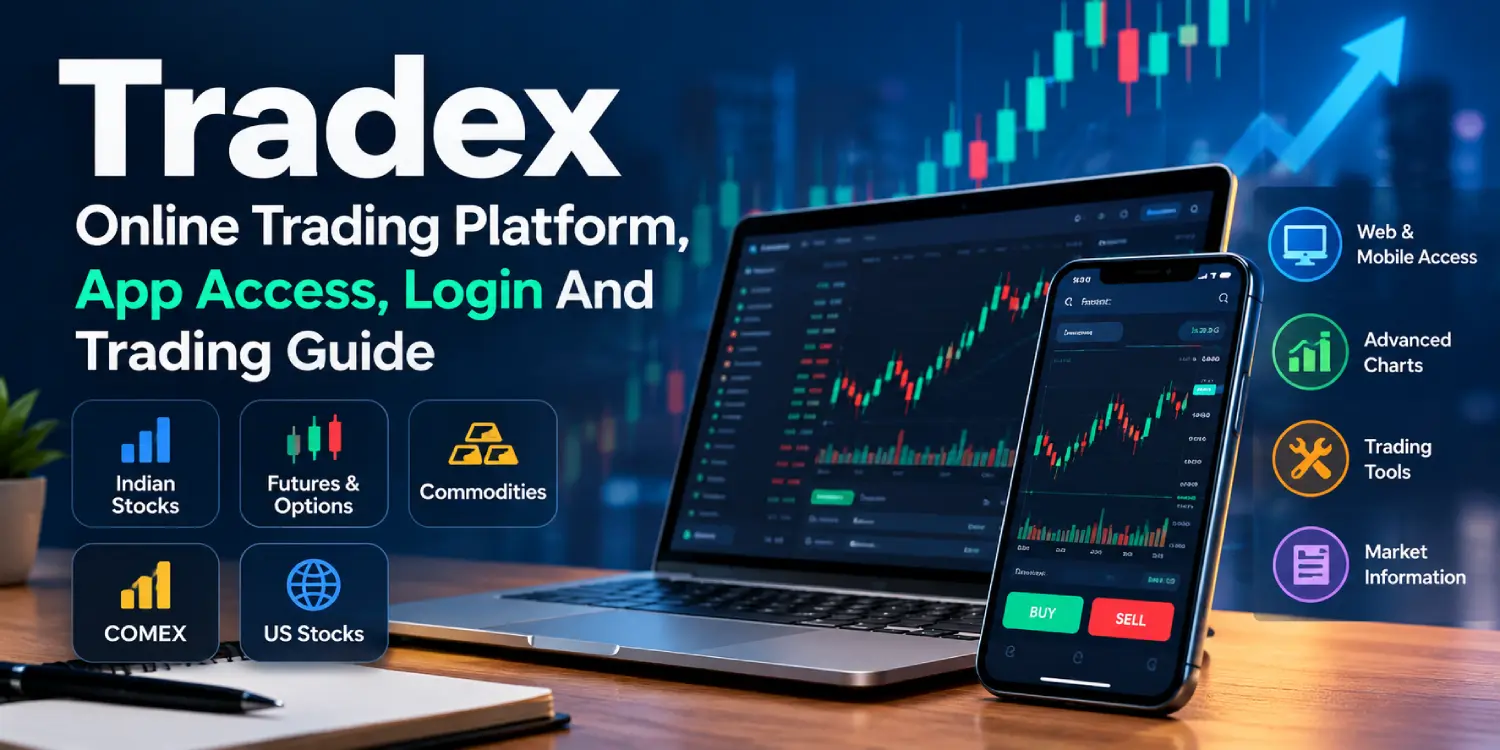
If you are searching for Tradex, you probably want to know what the platform offers, how to access your account, and what you need before starting online trading. Tradex presents itself as an online trading platform with access to Indian stocks, Futures & Options, commodities, COMEX and US stocks. The platform also highlights web and mobile access, trading tools, market information and account management features.
The simple part is getting started. The part that deserves a little more attention is understanding the markets, costs, margin conditions and account requirements before placing a trade. This guide covers those basics in plain language.
What Is Tradex?
Tradex is an online trading platform designed to give traders access to multiple markets through one trading environment. According to the current Tradex website, supported markets include NSE and BSE-related Indian stocks, Futures & Options, commodities, COMEX and US stocks.
The platform also promotes a professional trading interface, advanced charts and market data, multi-market access, and web and mobile accessibility. That means traders can use supported interfaces to monitor markets and manage their trading activity instead of being limited to a single device.
Tradex also highlights zero brokerage on eligible trades. This does not mean every possible trading cost disappears. The website itself says other applicable transaction or exchange charges may still apply, so users should check the current pricing and conditions for the particular product they plan to trade.
Tradex Markets And Trading Features
One reason people search for Tradex is the range of markets shown on its website. Indian stock market access includes NSE and BSE, while the platform also lists Futures & Options and commodities. International market access includes COMEX and US stocks.
For someone new to trading, this range can sound like a lot. You do not need to understand every market on day one. A better starting point is to learn how the particular instrument you want to trade works, including its risks, margin requirements, charges and trading hours.
Tradex also promotes advanced charts, market data, multi-market watch features and trading tools. These can be useful when researching price movements, but a chart or trading tool does not remove the risk of losing money. Your trading decision still depends on the instrument, market conditions and your own strategy.
The website also advertises margin facilities of up to 500x for eligible products. The actual margin available can vary by product, account type and trading conditions.
Tradex Login And Account Access
When users search for tradex login, tradex live login, or tradex app login, they are generally looking for a way to access an existing trading account.
The safest approach is to start from the official Tradex website and use the account-access options provided there. Avoid entering your username, password, OTP or other account information on websites that simply copy the Tradex name.
Tradex currently describes account creation as a six-step process:
- Create your Tradex account.
- Enter your basic account and contact details.
- Submit the OTP sent for contact verification.
- Complete the required account verification.
- Fund the account using an available payment method.
- Access supported markets and start trading.
If you already have an account, keep your login details private and use only the current access route provided by the platform.
Tradex App And Mobile Access
The Tradex app is another common search term among people who prefer trading from a phone. The Tradex website says the platform supports web and mobile accessibility, allowing users to monitor markets across supported devices.
You may also come across searches such as tradex live app, tradex app download apk, tradex download apk, and tradex apk. This is where it pays to slow down.
The current Tradex website confirms mobile access, but the page reviewed for this guide does not provide a direct APK download or publish a specific APK file. So users should not assume that an APK found on a third-party download website is an official Tradex application.
If an official mobile application or download option is provided through the Tradex platform, use the source linked or recommended by the platform itself. Checking the publisher, permissions and download source before installing any financial application is a simple security step.
How To Start Trading With Tradex
Starting online trading is not just about opening an account and pressing the buy button. You need to understand what you are trading first.
Tradex’s current registration guide starts with account creation and basic details, followed by OTP verification and account verification. After that, users can fund their account through an available payment method and access supported markets.
Once your account is ready, take some time to explore the platform. Look at the market section, charts, available instruments and order information. If you are new to trading, start by understanding basic terms such as market order, limit order, stop-loss, margin and position size.
Do not treat a high margin figure as a reason to take a larger position. Margin can increase the amount of market exposure you have, which can also increase potential losses.
Is Tradex Reliable For Online Trading?
Reliability is something users should check from several angles rather than relying on a single claim on a website.
You can start by checking the platform’s current terms, privacy policy, disclaimer, account conditions, charges and available support channels. Tradex provides these legal and account-related sections through its website.
It is also useful to confirm the exact entity operating the service, the products available to you, applicable rules, withdrawal conditions and any regulatory requirements relevant to your location before depositing money.
For Indian users, this extra checking matters because different financial products can fall under different rules. Do not assume that access to a product automatically means that it is suitable or permitted for every user.
Tradex Customer Support
If you need help with an account or platform issue, the Tradex website provides a contact form for account, platform and general trading-related questions. The website currently lists team@tradex55.live as a contact email and also promotes 24/7 localized, multi-language support.
For account-related problems, keep relevant details ready when contacting support, but never send your password, OTP or other sensitive login credentials.
Before making a deposit or trade, it is a good idea to know how support handles account verification, funding, withdrawals and technical issues.
Tradex For New And Experienced Traders
Tradex is presented as a platform for traders who want access to multiple markets from one account. Its website combines market access with charts, market data, trading tools, educational resources and account facilities.
For beginners, the main job is learning the basics before taking on more complicated instruments. Someone with previous trading experience may be more interested in the platform’s market coverage, charting tools, margin facilities and account features.
Either way, the same rule applies: understand the product before you trade it. Stocks, F&O, commodities and international markets can behave very differently.
Final Thoughts On Tradex
Tradex brings several market categories into one online trading platform, including Indian stocks, F&O, commodities, COMEX and US stocks. It also provides web and mobile access and promotes features such as eligible zero-brokerage trades, trading tools, advanced charts and flexible margin facilities.
If you are researching Tradex, start with the official website, understand the account-opening process and check the current terms and costs before funding an account. For mobile users, verify any tradex app, tradex apk or download option through an official Tradex source instead of relying on an unknown APK website.
Trading can offer opportunities, but it also involves financial risk. A little research before the first trade can help you understand what you are actually signing up for.
FAQs About Tradex
What services does Tradex offer in the Indian market?
Tradex lists Indian stocks, Futures & Options and commodities among its supported market offerings. Its website also lists COMEX and US stocks as part of its wider market access.
How to register an account on the Tradex platform?
The Tradex website describes a six-step process covering sign-up, entering account details, OTP submission, account verification, funding and starting to trade.
Is Tradex reliable for online stock trading in India?
Users should check the current Tradex terms, pricing, account conditions, disclaimer and applicable regulatory requirements before trading. The platform provides these sections on its website, but users should make their own checks before depositing funds.
How can I contact Tradex customer support?
The current Tradex website provides a contact form for account and platform questions and lists team@tradex55.live as a contact email. It also states that localized, multi-language support is available 24/7.
Give a step-by-step guide to start trading with Tradex in India
First create your Tradex account and enter the required details. Complete OTP verification and account verification, then fund the account using an available payment method. Once the account is ready, explore the supported market and understand the relevant product before placing a trade.